Product meeting, Tuesday. Someone says, "Let's add a smart chat that answers customers." Everyone nods, because it sounds advanced and the competitors are doing something similar. Nobody asks what exactly this chat is supposed to answer, based on what information, and what happens on the day it invents an answer.
AI in a product pays off in many cases, but the decision should rest on a few simple questions and not on the pressure to look modern. This is how we look at it.
First, what is the user trying to do
A good AI feature starts from a user problem that has a measurable cost today: sentences people type again and again, documents someone reads by hand, requests someone sorts. If you can't describe the manual work the feature replaces, you don't have a feature yet, only an idea.
Write one sentence: "Today X people do Y by hand, and the feature will let them do Z." If that sentence doesn't come easily, stop and go back to asking users.
Five questions before you start
1. What does a mistake cost? A language model is sometimes wrong, and sometimes wrong with full confidence. In an internal meeting summary, a mistake is an annoyance. In a medication dosage recommendation, a tax calculation or a regulatory decision, it is a real problem. The more expensive the mistake, the more a person needs to approve the output before it reaches its destination.
2. Do you have real data? A feature built on the company's documents, history or knowledge (RAG, document search, contract analysis) depends on the quality of that material. Scattered, outdated or contradictory documents won't turn into good answers just because the model is better. Sometimes the first job is cleaning up the content, and it determines the result more than the choice of model does.
3. How will you know the answer is correct? Before writing code, collect dozens of real examples with the answer you would want to get. That is your test set. Without it, every change to the prompt or the model is a guess, and nobody knows whether the new version is better than the previous one or only looks better on the last example that came up.
4. What are the cost and latency per use? Every call to a model costs money and takes time, and both grow with usage volume. A feature users trigger once a week is very different from one that runs on every row in a table. Work this out in advance from expected usage, including the case where the feature succeeds beyond your plans.
Pay attention to consistency as well. The same question can produce different wording each time, so where an identical answer is required (a category in a form, say), restrict the output to a closed list of values and don't let the model phrase it freely.
5. Where does the data go? If you process personal data, financial data or trade secrets, you need to decide where the model runs and what gets stored. Sometimes a cloud service with the right settings is enough, and sometimes there is a requirement that the data never leaves the organization, in which case you evaluate an on-prem model. This decision affects the whole architecture, so make it at the start.
Where AI usually pays off
The recurring pattern is a task that requires reading or understanding free text, where a person can check the result faster than it took to produce:
- Extracting fields from documents (invoices, contracts, forms) and presenting them for approval.
- Search and answers from an internal knowledge base, with a reference to the source so the answer can be verified.
- Sorting and routing requests, when there is a clear classification and mistakes can be corrected.
- Drafts that a person edits before sending.
- Transcription and voice, when the result serves as a basis and not as a legal document.
AI features that work well in a product usually share three conditions: there is real data to test against, there is a fixed test set that measures whether a change helped or hurt, and there is a point where a person approves before the result affects a customer. When one of the three is missing, the feature looks good in the demo and disappoints in use.
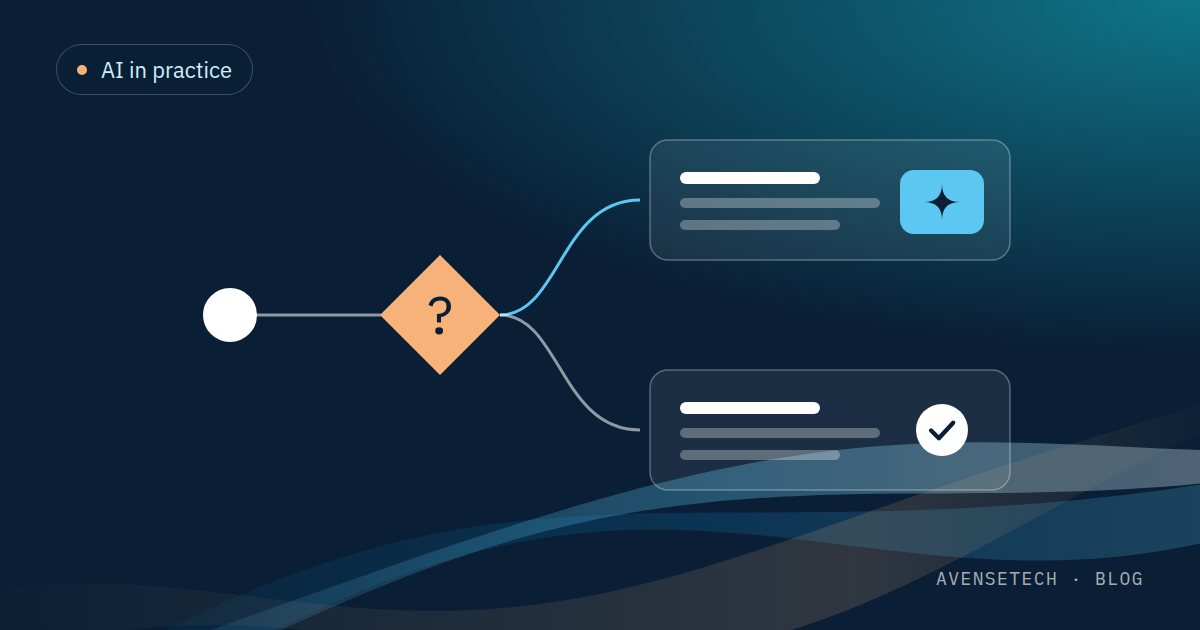
Even when you decide to use AI, not every part of the feature has to be AI. In extracting data from an invoice, for example, the model identifies the fields and ordinary code checks that the amounts add up, that the date is valid and that the supplier exists in the system. This split reduces errors and cost, because the model does only what can't be written as a rule.
Where to skip it
When there is a rule you can write, write it. Calculating a price, checking a permission and an eligibility condition for a plan are deterministic, cheap and fast, and easy to test. A language model in their place adds cost, uncertainty and a point of failure, with no advantage.
It is also better to skip AI when the data doesn't exist and the expectation is that the AI will stand in for a definition. A model won't solve an organization that hasn't decided how it wants to classify customers. And it shouldn't go into a decision that has direct legal or financial consequences for a person when nobody in the process checks and approves.
Another reason to skip it is a feature built so the product page can say "AI-powered." Users notice fairly quickly when a feature is slow, inconsistent or unhelpful, and it lowers their trust in the rest of the product. A regular feature that works well sells better than an AI feature that works roughly.
How to start well when the answer is yes
Start with a narrow version: one process, one document type, a small group of users. Run it against the test set, add a person at the start who approves every output, and measure how many times they approved it as is, how many times they corrected it and how many times they rejected it. This data tells you whether the oversight can be gradually reduced.
If the feature is an agent that performs actions in the system and doesn't only answer questions, the rules get stricter: permissions limited to what the agent needs, a log of every action it took, and human approval for actions that can't be undone, such as sending an email to a customer, deleting or paying.
Plan a fallback path too: what does the user see when the model isn't sure or isn't available? A good feature keeps functioning at that moment, even if only in a simple version. We also wrote about the small-version principle in MVP: how small is small enough, and it applies twice over when the result isn't predictable in advance. And if you are wondering where AI helps in the development process itself, there is a separate article: AI in software development.
The bottom line
AI pays off when there is a real problem, real data, a way to measure quality and a cost of error you can live with. When one of these is missing, a simple rule or a change in the process is better and cheaper. Start with a small version with a person in the loop and expand according to what the measurements show. Track the cost of calls from day one too, so the monthly bill isn't a surprise.
If you have a project that involves AI and want to build it from spec to launch, a Software House covers product management, development and design.