A developer pastes a feature description into an AI tool and within a minute gets one hundred fifty lines of code that look great. They compile, the demo works, and the product manager is impressed. Two weeks later it turns out that the code assumes every user belongs to a single organization, ignores an expired-subscription case, and calls a library the system is already replacing. The minute that was saved turned into three days of fixes.
AI tools for development change the work, but not equally everywhere. There is a large gap between the promises and what you actually get, and this article separates the two by type of task.
Where AI Really Saves Time
The recurring pattern: tasks with a clear structure, defined input, and a result that is easy to check.
Repetitive code. Data structures, CRUD interfaces, mapping between formats, migration scripts. The work is mechanical, and mistakes are usually caught quickly in testing.
Writing tests. A good tool suggests edge cases that a tired developer would not think of, and builds a test skeleton for an existing function. It is important to read them, because a test written without understanding the intent will approve incorrect behavior too.
Understanding unfamiliar code. Explaining an old module, tracing a flow across files, identifying what a function does when there is no documentation. In projects that start from legacy code, this saves hours of reading.
Mechanical rewriting. Renaming across the whole system, moving between versions of a library, replacing one pattern with another. As long as you run the tests afterward, the result is reliable.
Drafts of documentation and commit messages. Nothing groundbreaking, but it reduces the common reason documentation does not get written: laziness.
Log and error analysis. Pasting a stack trace with brief context sometimes saves half an hour of searching. The judgment about the true cause still stays with the human.
A Quick Test Before Delegating a Task to a Tool
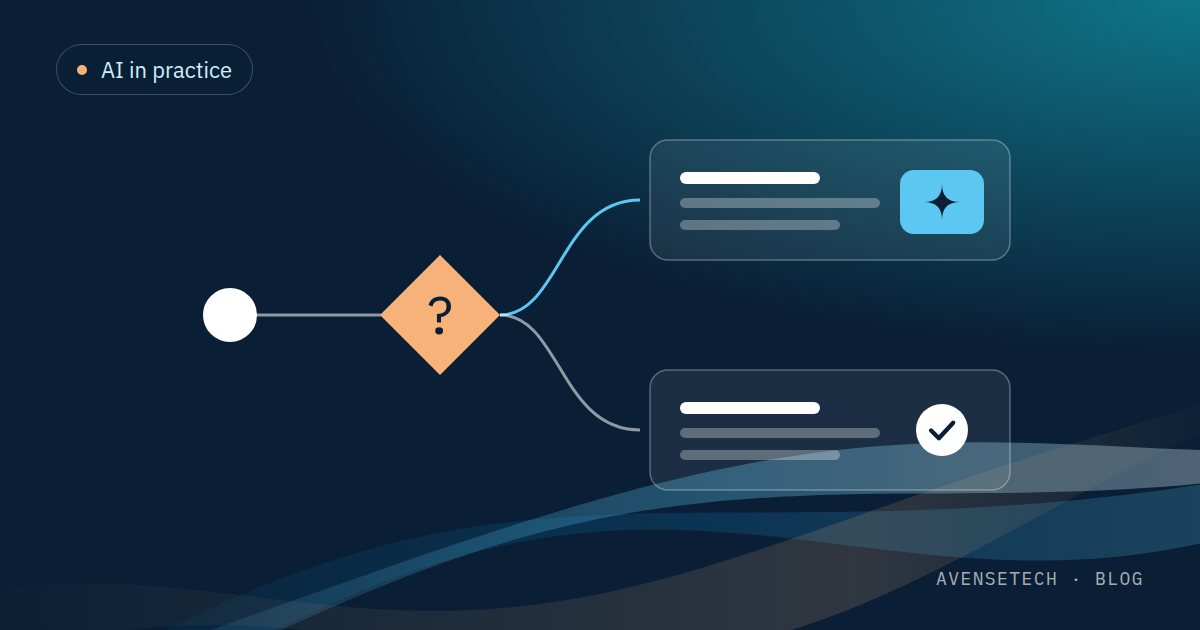
Three questions are enough. Can you describe the desired result in a few sentences? Can you check it automatically or by reading for a few minutes? And would a mistake in this task be caught before it reaches a user? If the answer to all three is yes, it is a good task for the tool. If any one is no, the review time will probably eat the savings.
This test also helps set a boundary for the enthusiastic: not every task fits, and there is no flaw in the tool for that.
Where It Only Sounds Good
"AI will replace developers." What changes is the division of time within the profession: less typing, more reading, checking, and deciding. The need for engineering judgment grows, because there is more code to review.
Building a whole system from one prompt. Tools produce an impressive prototype. The distance between a prototype and a production system includes permissions, error handling, load, compatibility, and security, and most of that distance remains.
Architecture decisions. The tool will answer any question with confidence. It does not know your constraints, your technical debt, your team, or the history of the product, so the answer is reasonable in general and not necessarily right for you.
"Twice as fast" numbers. Measuring by lines of code written is misleading, because more code does not mean more value. The metric that matters is how long it takes to get from a task to a feature running in production that does not come back with bugs. Anyone who does not measure it does not know whether they are saving anything.
In most teams, the big savings come in routine tasks: writing tests, converting code between formats, and documentation. The big risk comes from code that looks right and passes the first test, but does not handle edge cases. So any code generated with AI should go through the same code review as any other code.
Three Problems to Anticipate
Code that looks right and is not
Models produce convincing code. They also invent functions that do not exist, suggest packages that were never written, and use an API that has been replaced. The fluency of the answer makes it easy to approve without checking. That is why code review matters more in the era of these tools, and not less.
Security and sensitive information
Code, keys, and customer data pasted into an external tool leave the organization. Decide in advance what may be sent, to which tools, and under which conditions. When the information is especially sensitive, you can run models on your own infrastructure, and we work on this too: on-prem models are part of our work in AI. Generated code should pass the same security checks as any other code. We covered the broader topic in the article on security and intellectual property.
Technical debt that builds up silently
A tool that generates code quickly lets you accumulate thousands of lines before anyone asks whether they belong there. A possible result: a system with no consistent style and duplicate solutions to the same problem. When code is written fast, you also need to check fast that it fits the existing structure.
In projects that start from legacy code, this combination is especially useful: first use the tool to understand what the code does, then write tests that lock in the existing behavior, and only then make changes. This order reduces the chance of breaking something without noticing.
Five Rules for Adopting It in a Team
The tool amplifies what already exists in the team. An experienced developer uses it to work fast on things they understand, and knows when an answer is suspicious. An inexperienced developer gets code they cannot judge. This is one of the reasons we do not hire developers with less than 5+ years of experience.
- Start with the small, verifiable tasks from the first list, and expand only after you see results.
- All generated code goes through review like human code. Whoever submits it is responsible for it as if they wrote it themselves.
- Tests before trust. If there are no automated tests, there is no way to know whether the generated code behaves as it should.
- Written data rules: what is not pasted into an external tool, and which tools may be used.
- Measure end-to-end time and not lines of code or satisfaction. Compare it with the period before adoption.
It is also worth deciding who on the team owns updating the rules. Tools and models change within months, and a rule written once and forgotten quickly becomes meaningless.
And What About AI as Part of the Product
This is a separate question: using AI to write code, or building it into the product. The second option involves entirely different decisions about data, answer quality, and costs. We will devote a separate article to it. We work in this area in practice, including RAG, agents, document analysis, model tuning, on-prem models, computer vision, and voice AI.
The bottom line
AI saves time on defined, verifiable tasks, and adds work when it is used as a substitute for judgment. Teams that adopt it with working rules and measurement get lasting benefit. Teams that adopt it out of enthusiasm discover the price in QA.
If you are looking for experienced developers who also know how to work with these tools in a controlled way, you can start with Outstaffing.